Bulk Rename Files — 12 Modes with Preview + Undo
Rename 300 photos from IMG_0001.JPG to holiday-2025-001.jpg in one go. Strip prefixes, add numbering, regex-replace, normalise case, swap extensions — twelve renaming modes, all with a live preview before you commit, and a single-shot undo if the result was not what you wanted.
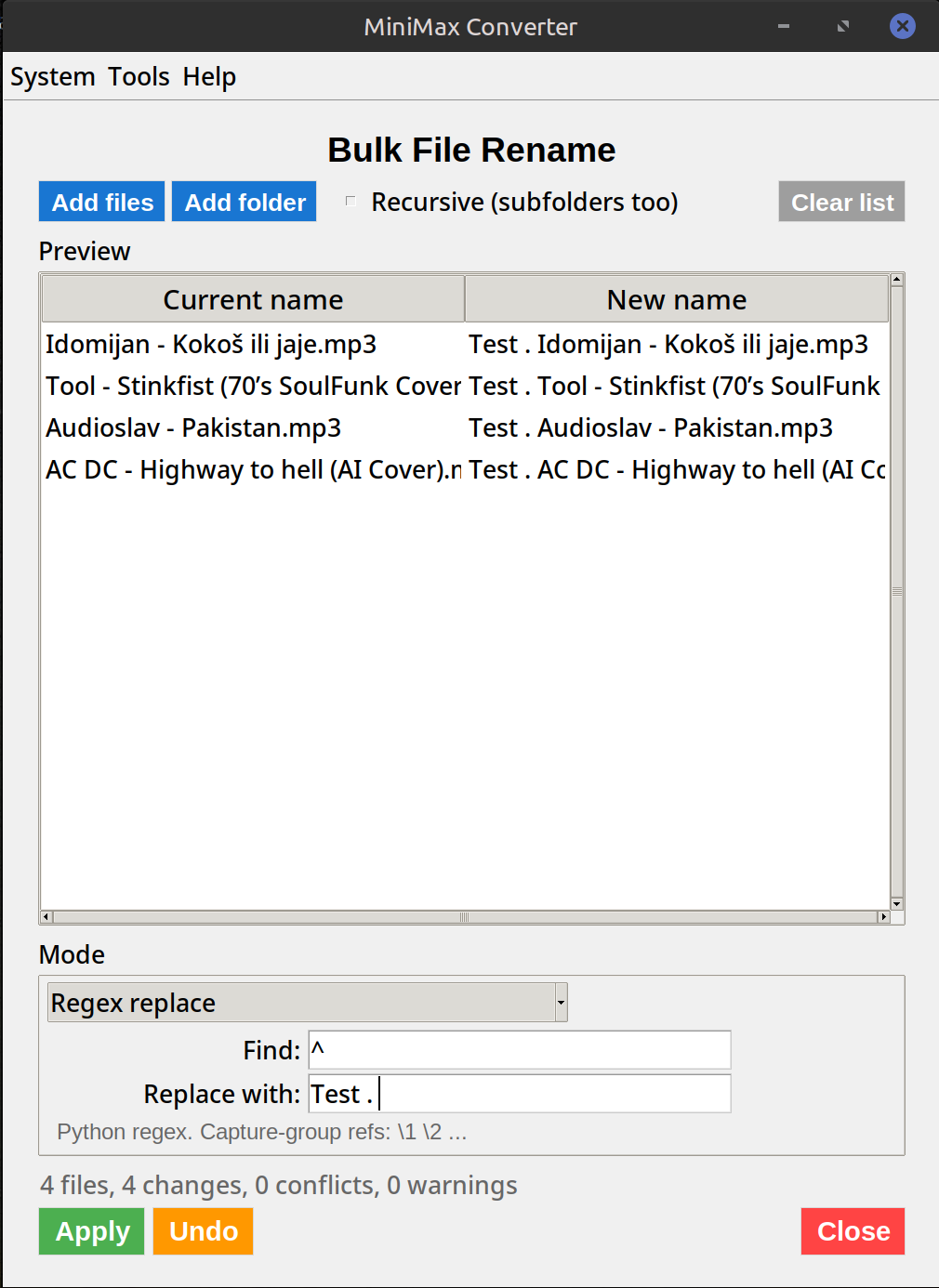
Modes available
Replace text. Append / prepend. Numbering (sequential 001, 002, …). Regex find-and-replace. Case change (UPPER / lower / Title Case). Trim leading/trailing whitespace. Strip diacritics. Date-prefix from file modification time. Slugify (kebab-case ASCII). Extension change. Padding-aware renumbering. Search-and-insert.
How to use it
- Open Tools → Files & Folders → Bulk rename.
- Drop the files (or folder) you want to rename.
- Pick a mode and fill in the parameters.
- The live preview shows the new name for every file as you type. Adjust until it looks right.
- Click Rename. If the result was wrong, click Undo — single-shot rollback restores the original names.
Regex mode tips
Pattern: IMG_(\d+)\.JPG. Replacement: photo-\1.jpg. Result: IMG_0142.JPG → photo-0142.jpg. Capture groups, character classes, alternation — full Python regex syntax. The preview catches typos before they touch the disk.
Questions and answers
What if I rename a file someone else has open?
Some OSes (Linux/macOS) allow renaming an open file; Windows blocks it and the rename for that file silently fails. The summary at the end tells you which files succeeded.
How far back does the undo go?
One step — the most recent bulk-rename operation. After that, no recovery.
Can I rename files across multiple folders?
Yes — drop a folder and the tool walks it recursively; rename applies to all matched files at every depth.
Does it work on hidden files?
Yes if you drop them explicitly; folder-drop walks skip hidden files by default to avoid touching .DS_Store, .git, etc.
Related tools
Get MiniMax Converter
Cross-platform desktop app. Linux free for non-commercial use; Windows & macOS one-time €20 license. No subscription, no telemetry, no account.