HMAC Generator — AWS, Webhooks, API Signing
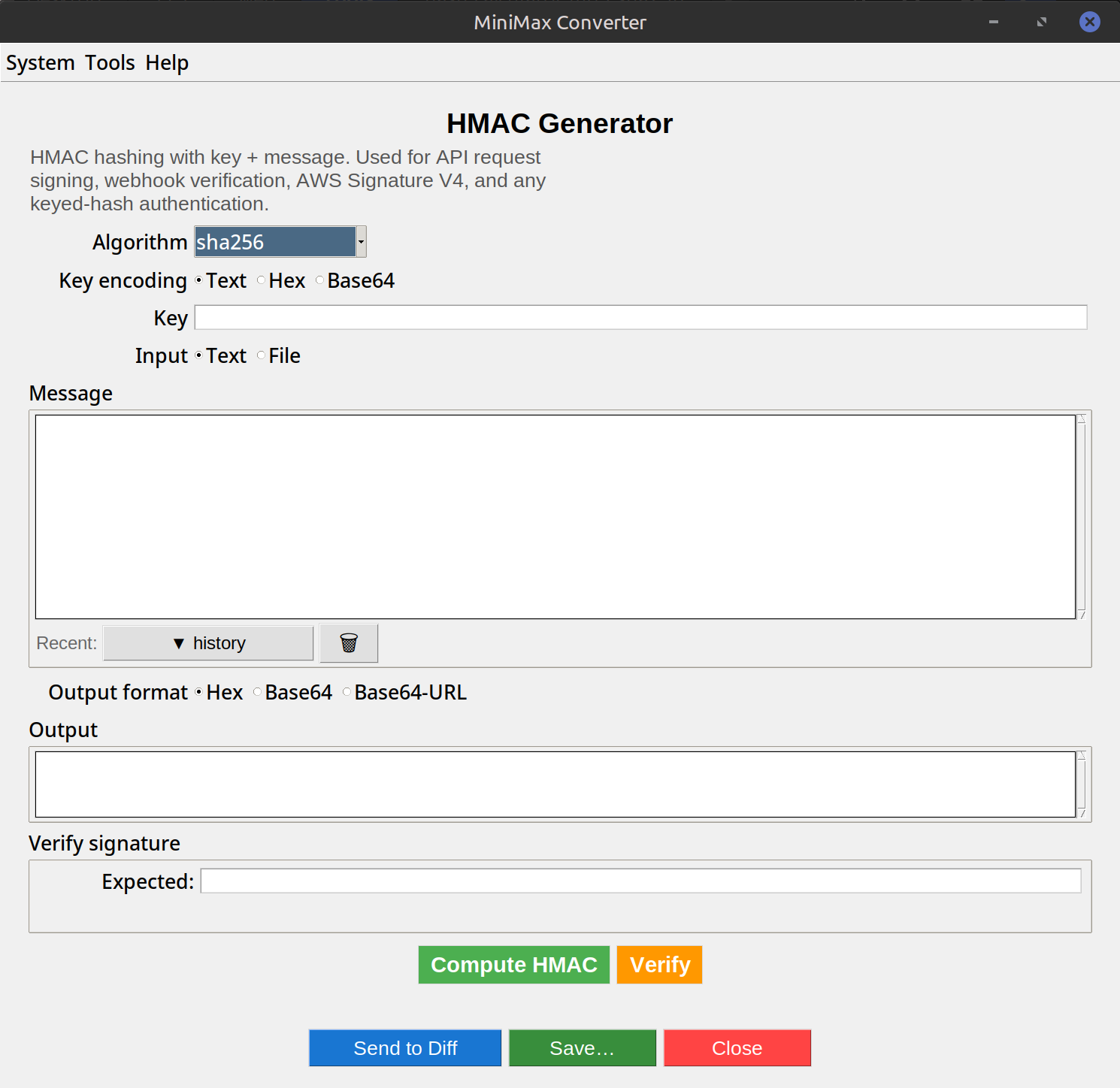
HMAC is the standard way to prove a message came from someone with the right shared secret. Drop a file or paste a message, supply the secret key, pick the hash algorithm, and MiniMax Converter outputs the HMAC. Same primitive used by AWS Signature V4, Stripe webhook signatures, GitHub webhook signatures, JWT (HS256/384/512) — anywhere there's a "X-Signature" header.
What HMAC actually does
Plain hash + secret = predictable, breakable. HMAC is a specific construction (RFC 2104) that combines a key and a hash in a way that resists length-extension attacks. HMAC(key, message, SHA-256) produces a 32-byte tag. Anyone with the key can compute the same tag from the same message; verify-side just re-hashes and compares.
How to use it
- Open Tools → Security & Cryptography → HMAC generator.
- Paste the secret key (or load from a file).
- Provide the message: paste text, or drop a file.
- Pick the algorithm: HMAC-SHA-256 (most common), HMAC-SHA-512 (stronger), HMAC-BLAKE2 (faster).
- Output: hex or base64. Copy and use in your X-Signature header, AWS request signing, etc.
Common use cases
Webhook signature verification: Stripe / GitHub / Twilio send a webhook with an HMAC header; your server computes its own and compares. API request signing: AWS Sig V4, OAuth 1.0a. JWT HS256/384/512: the signature portion is essentially HMAC over the header.payload. Token generation: session cookies signed so they can't be forged.
Questions and answers
Why HMAC instead of just hashing the message + secret?
Naive SHA-256(secret || message) is vulnerable to length-extension attacks. HMAC's construction prevents that. Always use HMAC for keyed hashing.
What key length should I use?
At least as long as the hash output (32 bytes for SHA-256). Random bytes, generated once and stored securely. Don't use a memorable password.
Hex or base64 output?
Depends on the API consuming it. AWS Sig V4 uses hex. Stripe uses hex. JWT uses base64url. Webhooks vary — check the API docs.
Can I verify an HMAC I received?
Yes — compute your own from the same key + message, then compare. The tool shows the computed value; compare to what you received.
Related tools
Get MiniMax Converter
Cross-platform desktop app. Linux free for non-commercial use; Windows & macOS one-time €20 license. No subscription, no telemetry, no account.