Extract PDF Tables to CSV — Offline
Drop a PDF that contains tables (financial reports, scientific papers, government data dumps) and MiniMax Converter pulls the tables out into CSV files. Each detected table becomes one CSV — open in Excel / LibreOffice Calc / pandas / R / anything that reads CSV.
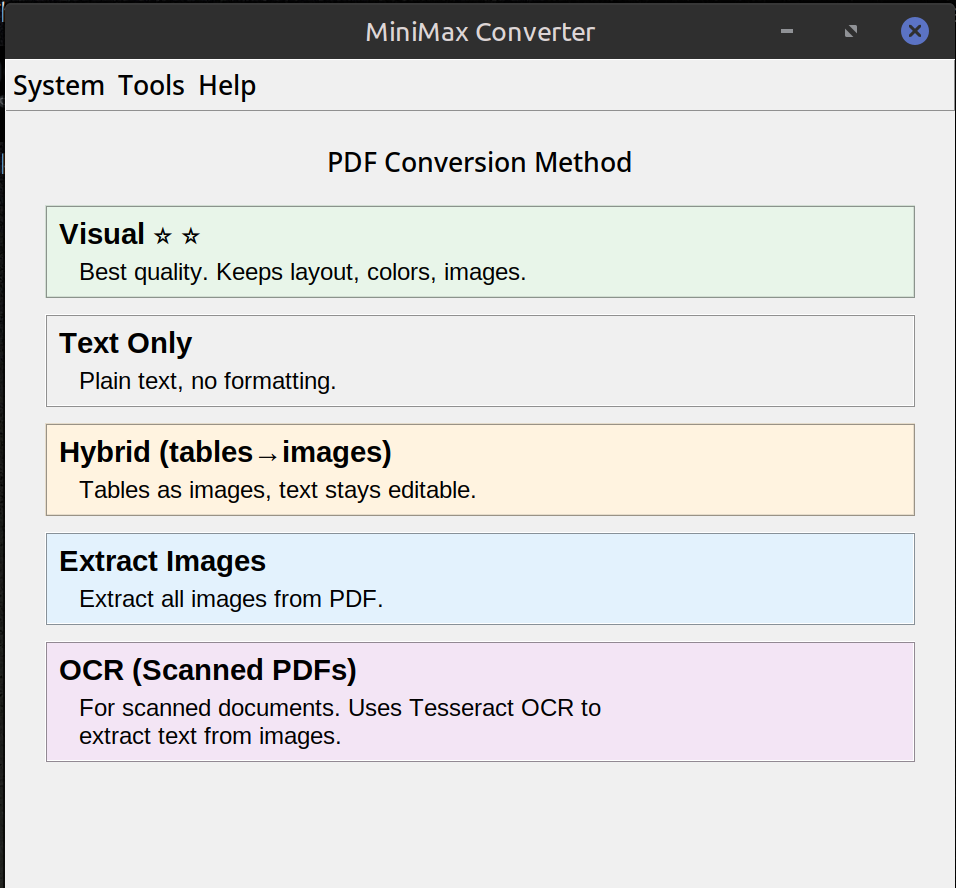
How to extract
- Drop a PDF onto MiniMax Converter.
- From the Document More menu, pick PDF tables → CSV.
- The app detects tables on each page and writes one CSV per table (with sensible names).
When this works
Native PDFs with text-based tables (the kind where the cells are real text positioned in a grid) work best. Scanned PDFs of tables need OCR first — the OCR PDF tool adds a text layer. Tables with merged cells, nested tables, or heavily styled headers can be tricky for any extraction tool.
Why offline?
Financial reports, internal data, scientific manuscripts pre-publication — the kinds of PDFs people want to extract tables from are often the kinds of PDFs you don't want sitting on someone else's server.
Questions and answers
What's the extraction engine?
pdfplumber under the hood — same library used by many commercial table-extraction tools. Mature, well-tested.
Can I extract a specific page only?
Not from this UI — all pages are scanned. For one-page extraction, use the Extract PDF pages tool first to split out the page, then run the extraction.
What about Excel output instead of CSV?
Pick XLSX in the conversion screen if you need a real spreadsheet — CSV is faster and more script-friendly.
Does it preserve table headers?
It tries — the first row of each detected table is treated as headers if it looks like text labels.
Related tools
Get MiniMax Converter
Cross-platform desktop app. Linux free for non-commercial use; Windows & macOS one-time €20 license. No subscription, no telemetry, no account.