Convert PDF to DOCX — Offline, Editable Output
Drop a PDF onto MiniMax Converter and get back an editable Word document. Text, headings, basic tables, and images come through. No upload, no watermark, no monthly conversion cap. Works on Linux, Windows, and macOS.
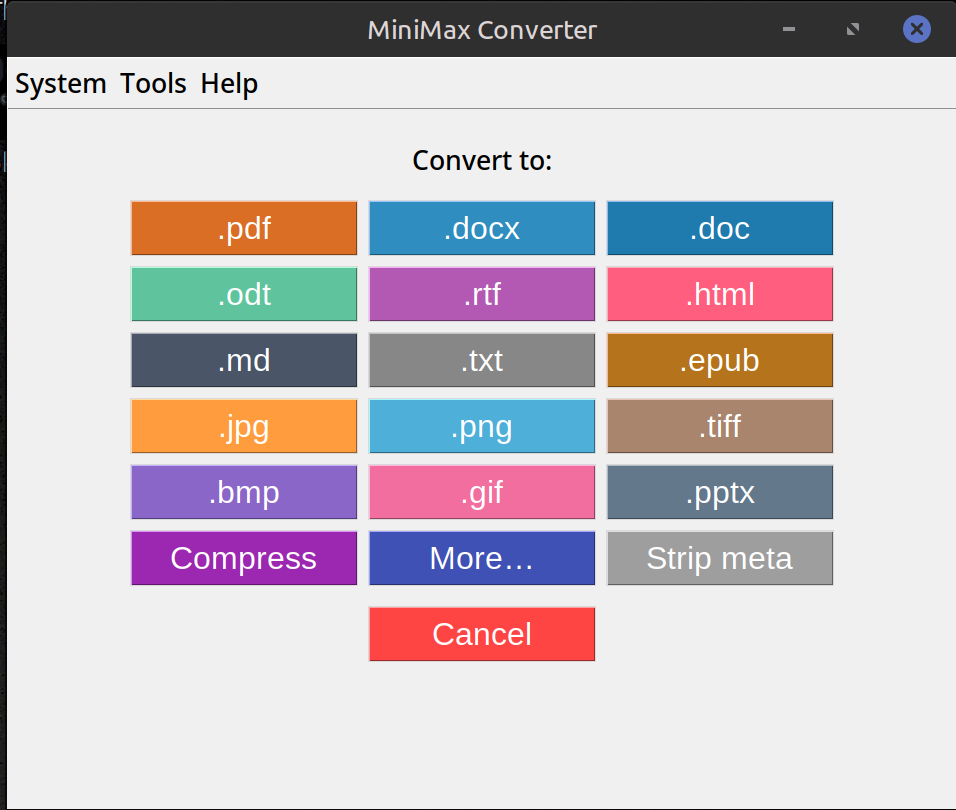
How to convert
- Drop a PDF onto MiniMax Converter.
- Pick DOCX from the format chooser.
- Save the result. Open in Word, LibreOffice Writer, Pages — anywhere DOCX is supported.
What carries over
Text content + paragraph structure. Headings and font sizes (approximately). Tables (simple grids — complex nested tables are tricky in any PDF→DOCX converter). Images embedded in the PDF. Bullet lists, numbered lists. Bold / italic where the PDF stored that information.
What does NOT carry over
Pixel-perfect layout — PDF and DOCX have fundamentally different layout models. Complex multi-column magazine layouts will reflow. Scanned PDFs (image-only) need OCR first — pick OCR PDF from the Document More menu before converting.
Questions and answers
Does it work on scanned PDFs?
Not directly — a scanned PDF is just an image of text, with no actual characters to extract. Run OCR PDF first to add a text layer, then convert to DOCX.
How does it compare to Adobe Acrobat?
Comparable for most plain documents. Acrobat is slightly better on complex layouts. MiniMax is free of subscription, offline, and unlimited.
Can I batch-convert many PDFs?
Yes — drop a folder of PDFs and the app processes each in parallel.
What about ODT (LibreOffice format)?
Same flow — pick ODT from the format chooser instead of DOCX.
Related tools
Get MiniMax Converter
Cross-platform desktop app. Linux free for non-commercial use; Windows & macOS one-time €20 license. No subscription, no telemetry, no account.